
The First Week Sets the Habit
A new engraver either becomes a joy or a frustration based on the first projects. Beginner mistakes to avoid with a new laser engraver are the same few every time, and skipping them saves a ruined sheet or a burnt lens.
Most errors are habit, not hardware. Build the right ones early.
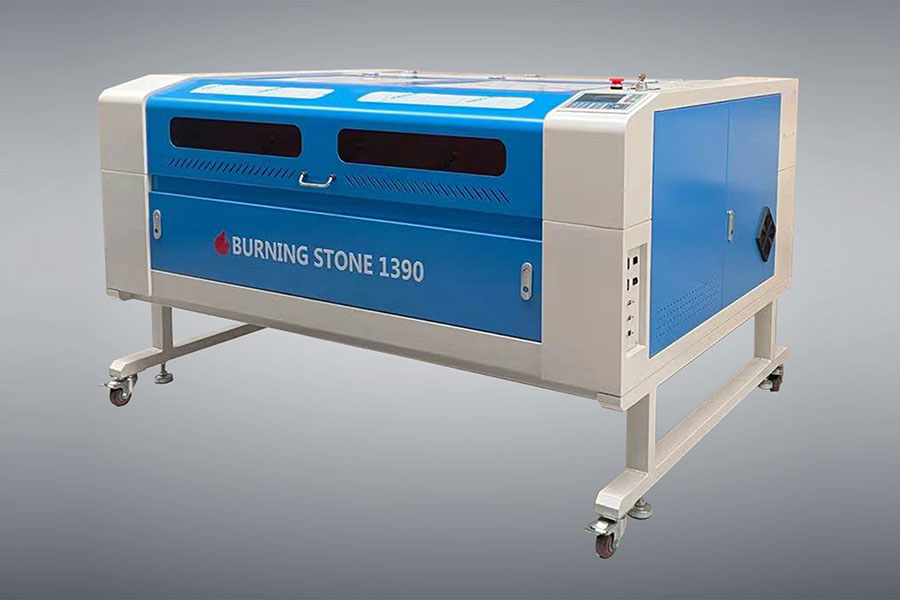
Wrong Focus
The top mistake is wrong focus height. A defocused beam scatters and nothing cuts clean. Use the gauge every time the material changes, and re-check after moving the head.
Set focus to the surface for engraving and just above for cutting, per your lens. It takes ten seconds and prevents ten bad jobs.
Guessing Settings
Do not guess power and speed. Cut a small test grid on the actual material and write down what worked. A settings card by the machine is the single best habit a beginner can build.
Every sheet differs; a test scrap beats a ruined paid piece every time.
Bad Materials
Cutting unknown plastic can release poison gas. Ban PVC and halogen plastics, and test a tiny scrap of anything new. Know your materials before the beam touches them.
Skipping Maintenance
A dirty lens loses power fast. Wipe it daily on heavy work and check the chiller and extraction. Small care prevents big downtime.
FAQ
Why are my cuts weak? Usually focus or a dirty lens, not the tube.
Do I need training? A weekend of practice and a test grid covers most jobs.
Start Clean, Stay Safe
Avoid the common beginner errors: focus every time, test settings, know your materials, and maintain the lens. Our Laser Cutter range ships with setup guides; for production-class machines see HF Laser.

- National hotline: +86-531-86516855/56/57
- Enterprise mailbox:sales@redsaillaser.com
- Address: Room 402E, Tower D, Yinhe Building, 2008 Xinluo Avenue, Shunhua Road Subdistrict, Jinan Area, China (Shandong) Pilot Free Trade Zone


Redsail Tech Co. © 2002-2026. All Rights Reserved.